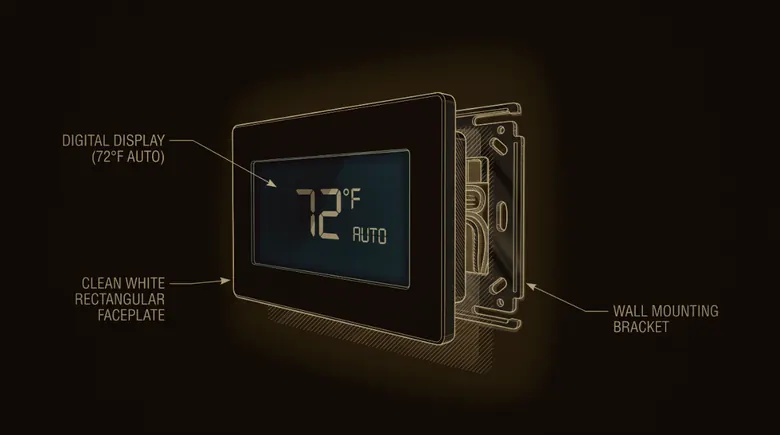
Thermostat Blank or Not Working? What to Check First
A blank thermostat screen usually means the thermostat has lost power, and without power it cannot turn on your heat or AC. Most of the time the cause is simple: dead batteries, a tripped breaker, a furnace door that is not closed, or a drain safety switch. Here is what to check, in order, and when it is time to call for help.
How your thermostat gets its power
Knowing where your thermostat gets its power tells you where to look when the screen goes dark.
- Battery powered: the thermostat runs on AA or AAA batteries. When they die, the screen goes blank.
- Wired power: most thermostats get low-voltage power through the thin wire that runs from the furnace or air handler (the indoor unit). If that unit loses power, the thermostat goes blank too.
- Both: many thermostats use wired power and keep batteries as a backup for the settings and the clock.
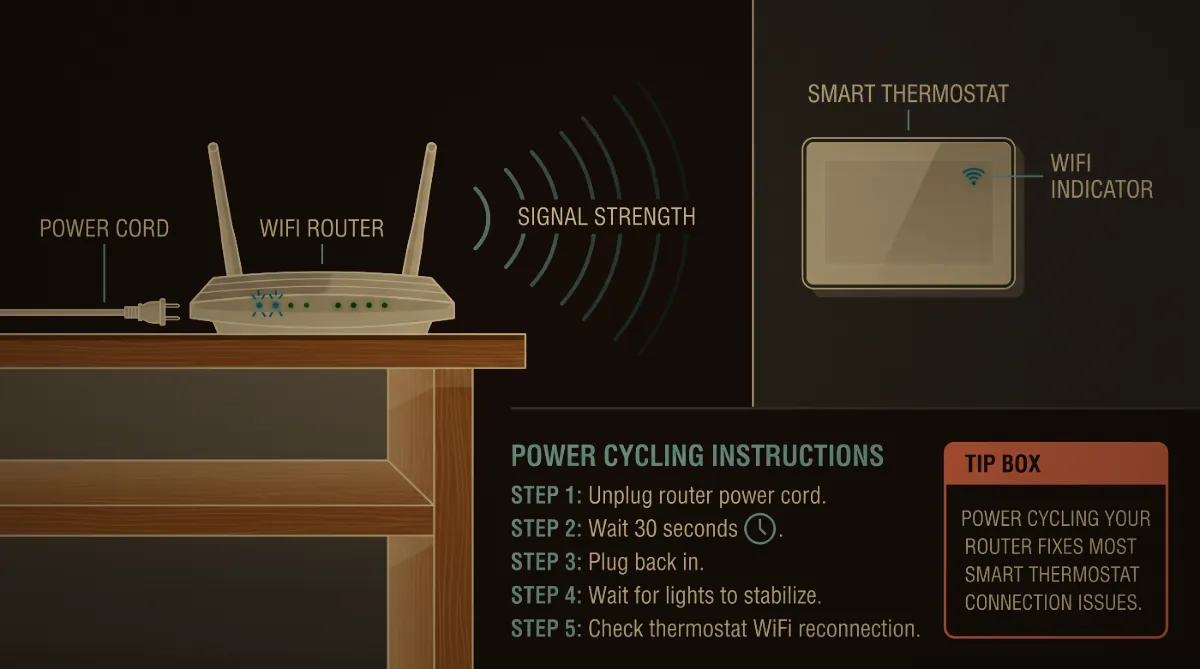
Smart thermostats need steady power for Wi-Fi and the screen. If one is installed without a dedicated power wire (often called a C wire), it can drop out or reboot now and then.
Thermostat screen blank? 7 things to check
1. Replace the batteries. Even if your thermostat is wired, check for a battery slot behind the faceplate or in a small pull-out tray. Use fresh batteries of the size marked on the thermostat. Many thermostats show a low-battery warning for days before they go dark.
2. Make sure the thermostat is seated on its wall plate. If it was bumped or pulled loose, the pins may not touch. Press it back on until it clicks.
3. Check the breaker. Find the breaker for the furnace or air handler in your electrical panel. If it is tripped, switch it fully off and then back on, once. If it trips again, leave it off and call a technician. That points to an electrical problem.
4. Check the power switch at the furnace or air handler. It looks like a regular light switch on or near the unit, and it is easy to flip off by mistake. Make sure it is on.
5. Close the furnace door all the way. Many furnaces and air handlers have a safety switch that cuts power when the front panel is off or loose. If someone recently changed the filter, push the panel firmly back into place.
6. Look for water at the drain safety switch. Many AC systems and high-efficiency furnaces have a float switch that shuts the system off when the drain pan or drain line backs up. On some systems it also cuts power to the thermostat, so the screen goes blank. If you see water in the pan under the indoor unit, that is likely the cause. See AC leaking water and why a furnace leaks.
7. A blown fuse on the control board. A short in the thermostat wire can blow a small fuse on the furnace or air handler control board. This often happens after the wire gets nicked or a new thermostat is installed. Leave this one to a technician. A new fuse will just blow again until the short is found and fixed.
Screen is on, but the heat or AC will not run
If the thermostat has power but nothing happens, check the settings before anything else.
- Mode: it should say HEAT in winter or COOL in summer, not OFF or AUTO if you are not sure how AUTO is set up.
- Set temperature: set it a few degrees above the room temperature for heat, or below it for cooling.
- Schedule or hold: a program may be changing your setting back. Use HOLD, or check the schedule.
- Fan setting: ON runs the fan all the time, even when the system is not heating, so the air can feel cool. AUTO runs the fan only when the system is heating or cooling.
- Give it a few minutes. Many thermostats have a short built-in delay after a change to protect the equipment.
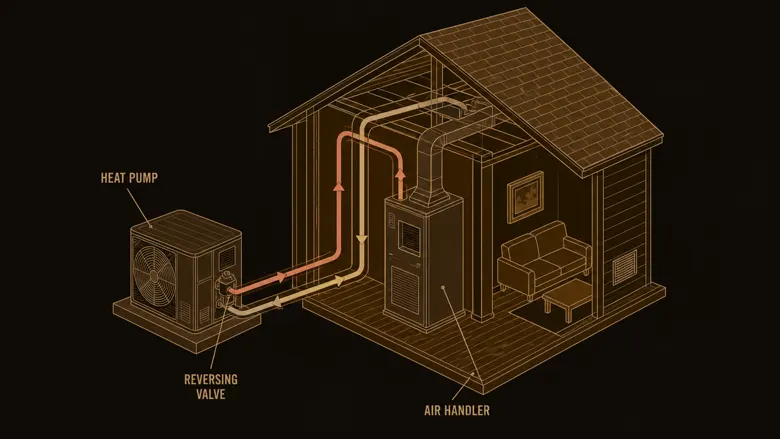
If the thermostat says it is calling for heat and you still get no heat, the problem is likely at the furnace or heat pump. See heater not turning on, heater blowing cold air and what aux heat means on a heat pump.
Try a reset
A frozen screen, a thermostat that will not respond, or settings that keep changing can often be fixed with a reset. The steps depend on the brand and model. Our step-by-step thermostat reset guide walks through the common types.
Just installed a new thermostat?
When a thermostat stops working right after it was replaced, the cause is usually the install, not the new thermostat.
- Wires on the wrong terminals, or a loose wire that is not fully seated.
- No power wire for a thermostat that needs one.
- The wrong system type in the setup menu. A thermostat set up for a gas furnace will not run a heat pump the right way, and the other way around.
Before you remove any wired thermostat, turn off power to the furnace or air handler at the breaker, and take a clear photo of the old wiring. If the wiring does not match the new thermostat's instructions, stop there. A wrong connection can blow the control board fuse. We can help with thermostat installation in San Antonio.
Is it the thermostat or the system?
Some signs point to the thermostat itself:
- The temperature it shows is far off from a separate thermometer in the same room.
- The screen flickers, or the buttons do not respond even with fresh batteries and power.
- The system starts and stops on its own, with no change in settings.
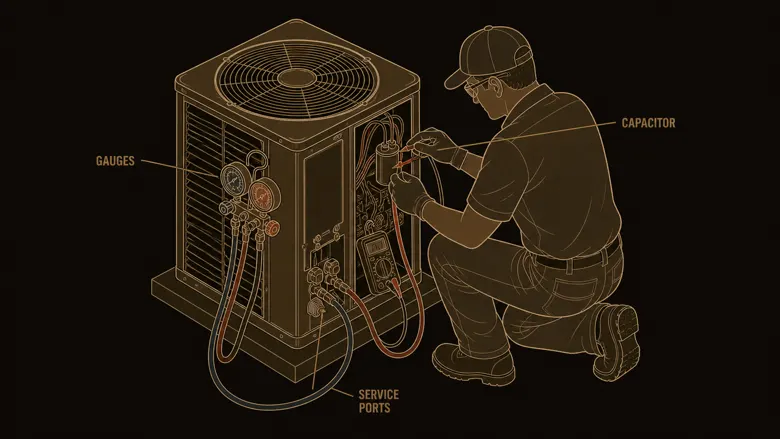
If the thermostat has power, is set right and shows that it is calling for heat or cooling, but the system does not respond, the problem is more likely in the furnace, air handler or outdoor unit. A technician can test whether the thermostat is sending the signal and go from there. See repair or replace a thermostat.
When to call a technician
- The breaker trips again after you reset it.
- There is water in the drain pan, or the drain safety switch keeps shutting the system off.
- The screen went blank after a new thermostat was installed and you are not sure about the wiring.
- You notice a burning smell, or wires that look scorched or melted.
- The screen is on, the settings are right, and the system still will not heat or cool.
Cowboy's answers 24/7 with our own dispatch on Blanco Road. See heating repair in San Antonio, AC repair, thermostat service, or call (210) 495-7771.
Frequently asked questions
Why is my thermostat screen blank?
A blank screen almost always means the thermostat has no power. The most common causes are dead batteries, a tripped breaker for the furnace or air handler, a power switch at the unit that was turned off, a furnace door that is not closed all the way, or a drain safety switch that shut the system down because of backed-up water.
Will my heat or AC work if the thermostat is blank?
Usually not. Without power, the thermostat cannot tell the system to turn on. Once power is back, the system should respond after a short delay. If the screen comes back but the system still will not run, the problem is likely in the equipment.
Can a clogged AC drain make the thermostat go blank?
Yes, on many systems. A float switch shuts the system off when the drain pan or drain line backs up, and on some setups it also cuts power to the thermostat. Clearing the drain and drying the pan usually brings it back, but a drain that keeps backing up should be checked.
How do I know if my thermostat is bad?
Signs include a temperature reading that is far off from a separate thermometer, a screen that flickers, buttons that do not respond even with fresh batteries and power, or a system that starts and stops on its own. A technician can test whether the thermostat is sending the signal to the system.
Why does my thermostat say heat is on but there is no heat?
First check that it is set to HEAT, the set temperature is above the room temperature, and the fan is on AUTO. If the settings are right and the thermostat shows it is calling for heat, the problem is likely at the furnace or heat pump, such as an ignition problem, a tripped safety switch or a clogged filter.
Related service: thermostat installation and repair in San Antonio · heating repair · AC repair · all heating and cooling services. Cowboy's AC answers 24/7 at (210) 495-7771.